Setting up PIHOLE as a recursive DNS with UNBOUND
this is a small project that i did in a weekend a while ago to experiment with the dns protocol , it is based on guide by Craft Computing , you can check him out .
DNS :
Essentially Dns helps you translate domain names such as (google.com , youtube.com) into IP-addresses (A and AAAA) records that computers actually understand , of course dns provide additional informations which you can find in the other records but this is outside the scope of this tutorial.
Recursive DNS :
There are multiple types of Dns servers , an authoritative server this is the server that actually holds the info about your domain , Recursive server this server when queried will check if it holds data in case of absense it will call the root server get the info about the TLD SERVER of your domain then it will ask the tld server about the info of your authoritative server finally it will query it about the IP-address that corresponds to that domain , most recursive dns servers are ran by ISPs , Big operators but anyone can set tis own recursive server like we will be doing !!
let’s get to know PIHOLE : pihole is a network-wide DNS-based AD blocking sinkhole where you define a list of domains that you want to block in your network, it is very easy to set-up as we will see.
Installation :
For this tutorial I’ve installed a debian server on a virtual machine , I then proceeded to install pi-hole it is very easy just follow the installation guide , after downloading go ahead with the defaults we will configure it later 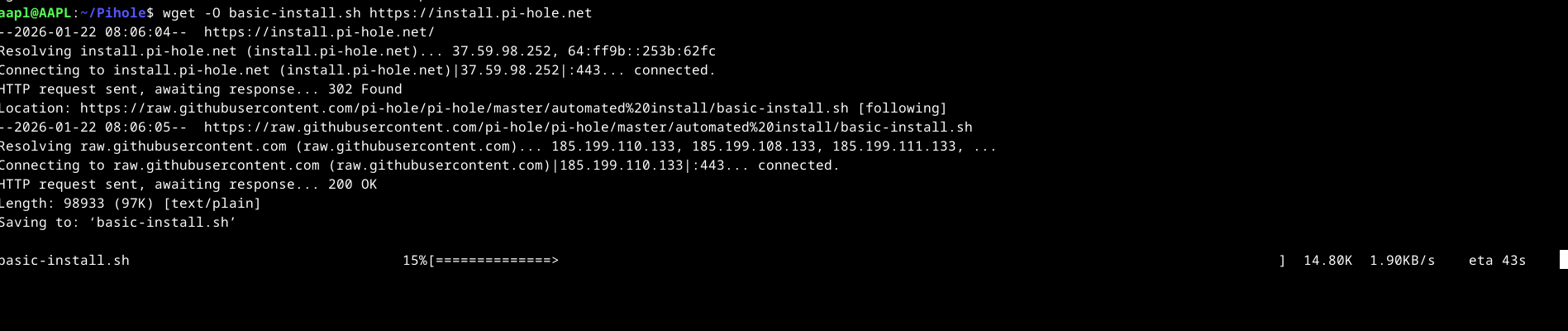
After the installation make sure to change the default password of pi-hole with the command pihole -a -p “newpassword”, login to your dashboard and let’s start the configurations.
Go ahead and install unbound 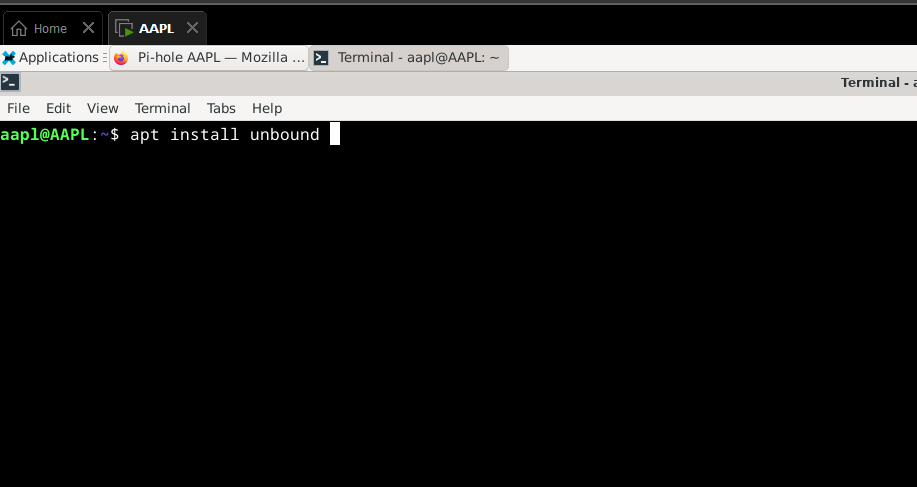 , we are going to change the config file so there will be no port confusion between unbound and pihole you can follow this guide.
after finishing that go to the dashboard and change the dns server of pihole from google to custom 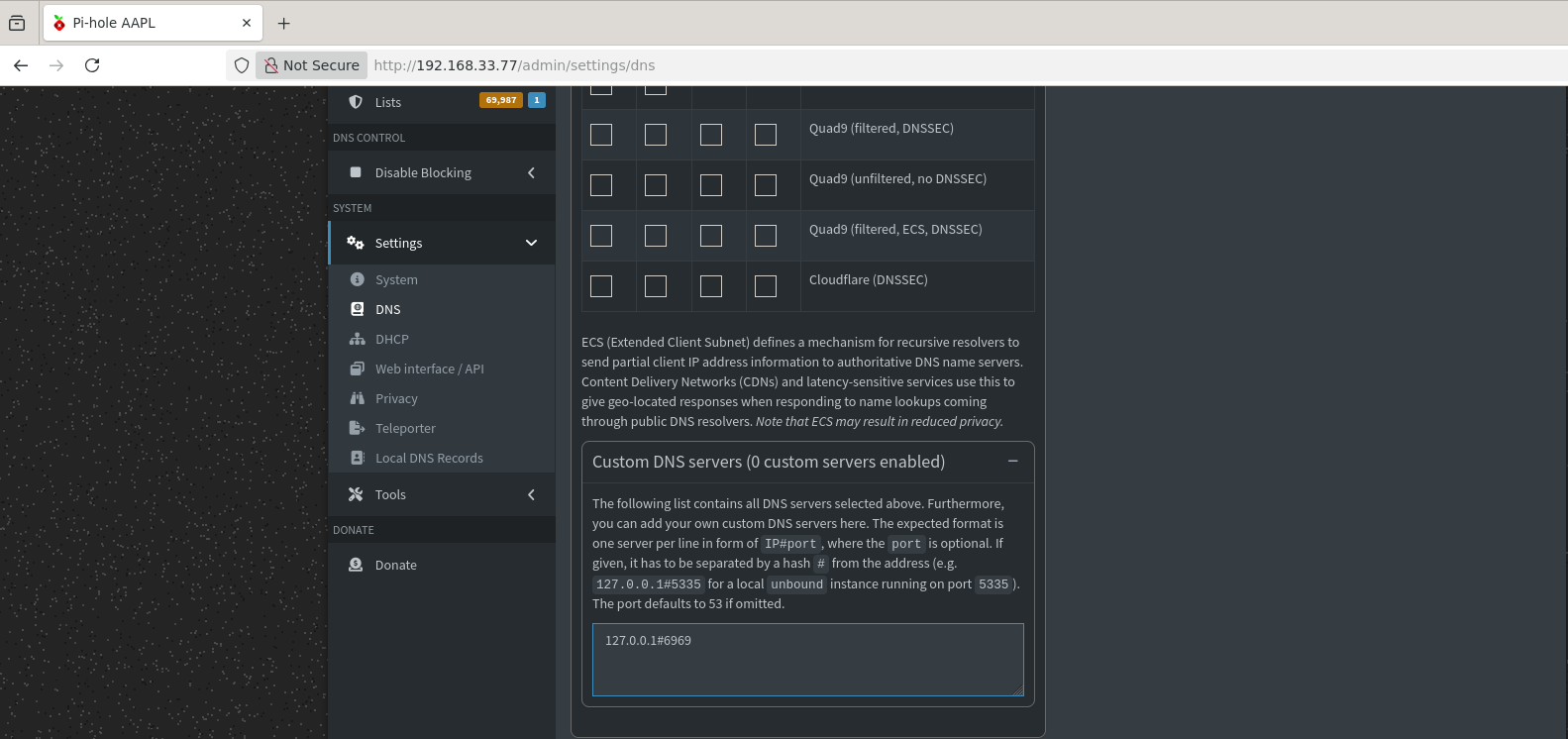 then type the address and port , then change the dns server of your system to be pihole by editing the /etc/resolv.conf file .
VOILA we’re finished open up a browser and try accessing a website that’s rich in ads , first time it will take some time because the dns server has an empty cache .
I also set up a light vm i used alpine for this then went ahead and gave the debian machine a static IP , since i’m on debian I edited /etc/network/interfaces file then I restarted the networking service , then I set the dns server of alpine to be the IP of the debian machine and voila it works.
pihole blocks a wide list of ads by default but you can widen this list by adding lists from the internet, this is a script that automatically downloads a list for you.
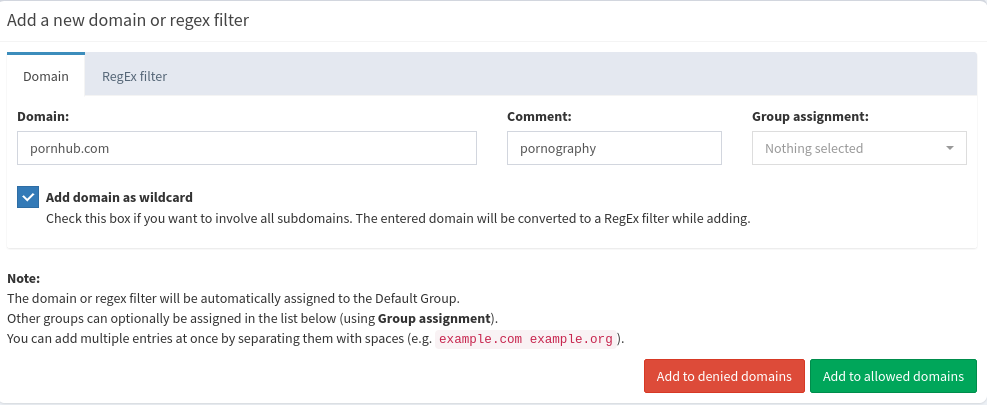
or you can ban websites that you don’t like example